Online Induction >> Online Induction Tutorials
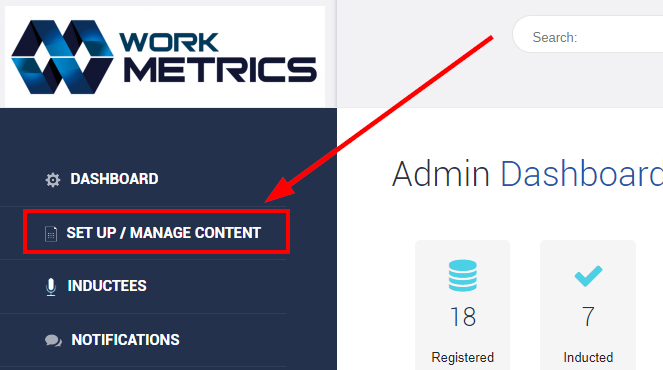
From your Admin Dashboard select Set Up / Manage Content.
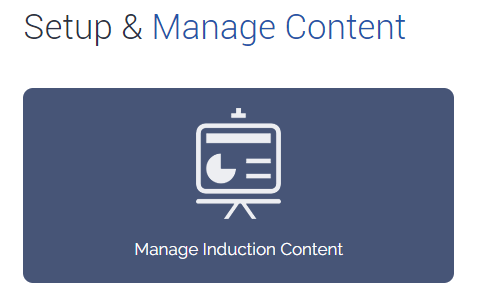
Select Manage Induction Content.
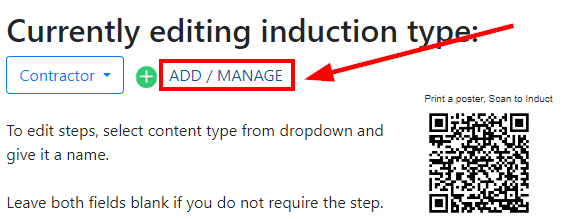
Select ADD / MANAGE.
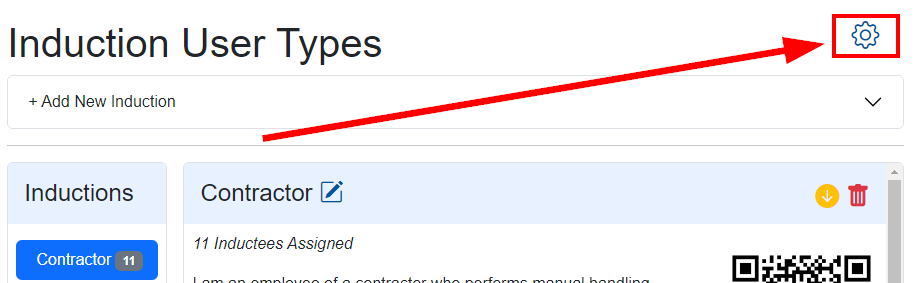
Select the settings cog on the righthand side.
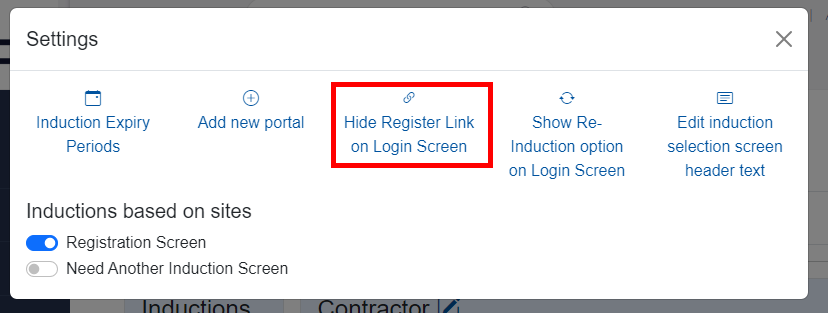
From here select Hide Register Link on Login Screen.
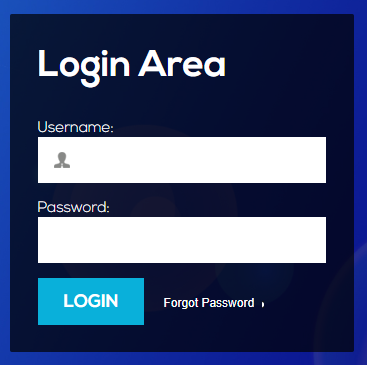
Your Login Page will now look like the below with no self-registration option.
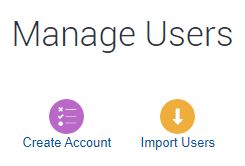
An admin can create a users account manually OR they can import users into the system via the Inducted / Not Inducted users tiles of the Admin Dashboard.
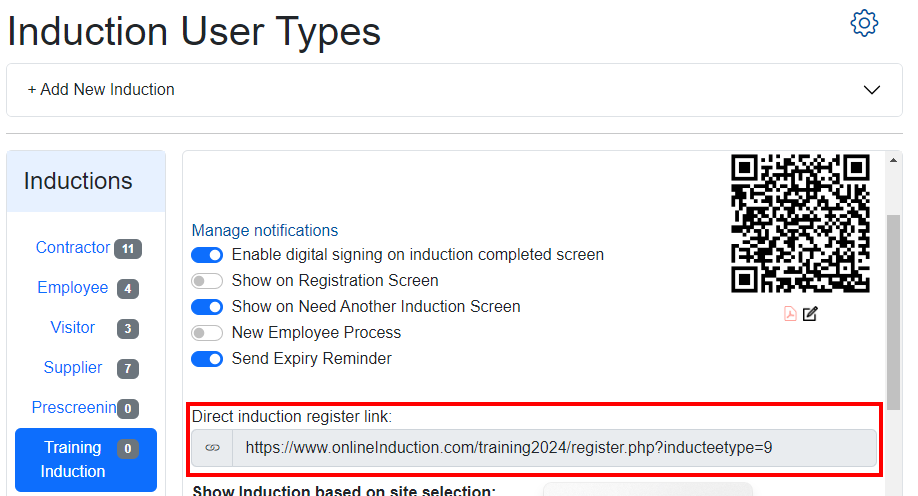
Alternatively, you can send a user/s a link to register and complete a specific induction.
This link can be found in the ADD / MANAGE area of your Inductions.

Safety matters in and outside the workplace - read the full article here.
Our latest article talking about what insights and lessons learned. Check it out right here.
Check out our latest article about the best company induction design tips.
Check out our latest article about enhancing contractor management through mobile technologies.